 LabelPad
Beautiful labels, straight from your desktop.
LabelPad is a modern label designer for the Niimbot D11 and M3. Connect over Bluetooth, drag things onto the label, and print exactly what you see.
Works with the Niimbot D11 and M3. No account, no cloud, no ads.

Designed for real labels, not demos
Every element is drawn the way the printer draws it, one dot at a time, so the preview on screen is the label that comes out.
Bluetooth, no pairing
Turn the printer on and click Connect. The app finds it, reads its battery and the label roll, and remembers it for next time.
Text in any font
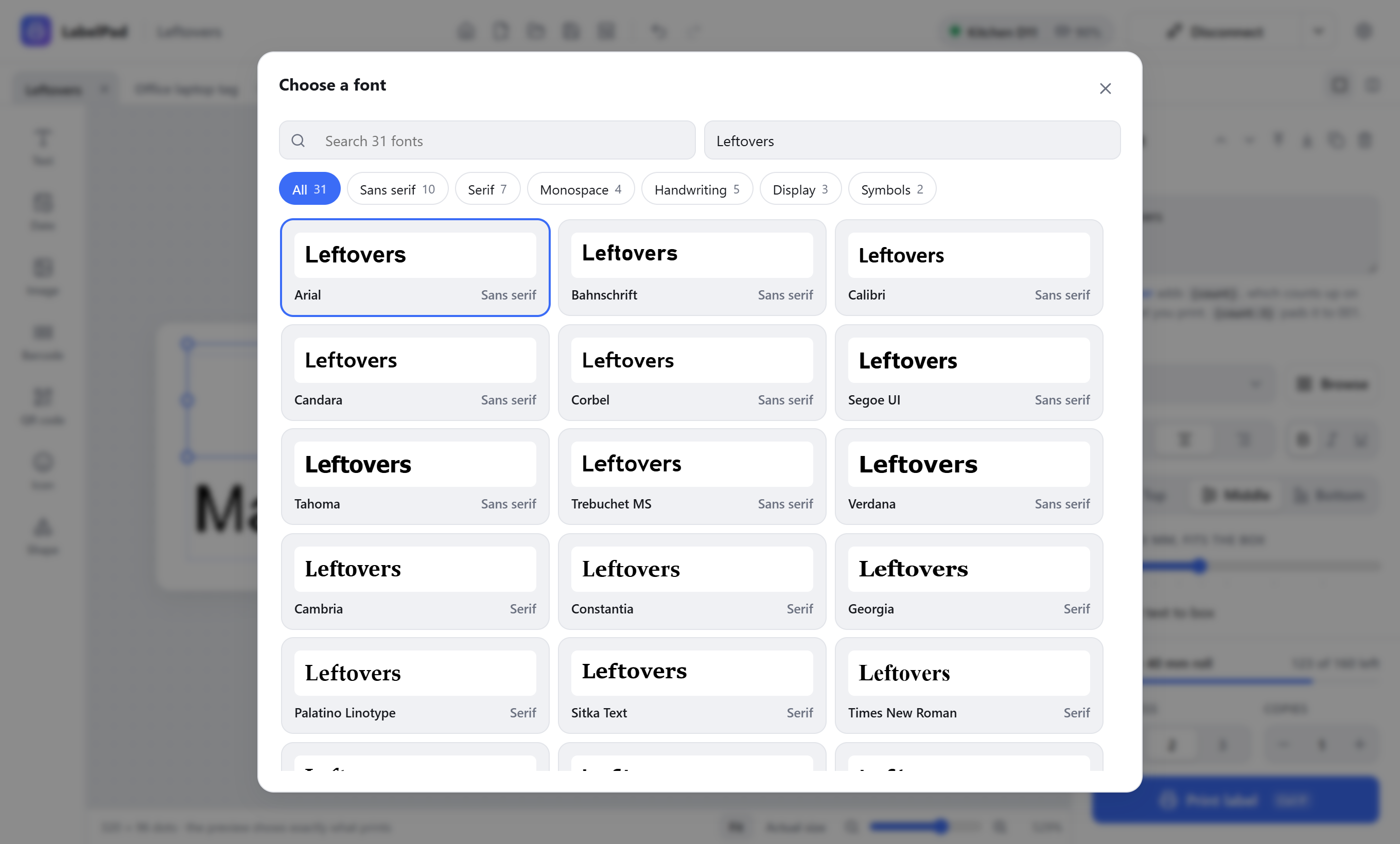
Use every font on your computer. Browse them by style with your own text as the preview, then fit text to its box.
Barcodes and QR codes
Code 128, Code 39, EAN, UPC and ITF-14, plus QR codes for links, Wi-Fi, contacts, email and more. All crisp at the printer's own resolution.
Dates that fill themselves in
Print today's date, the time, or both, in the format you like. Add days for use-by labels.
Numbered labels
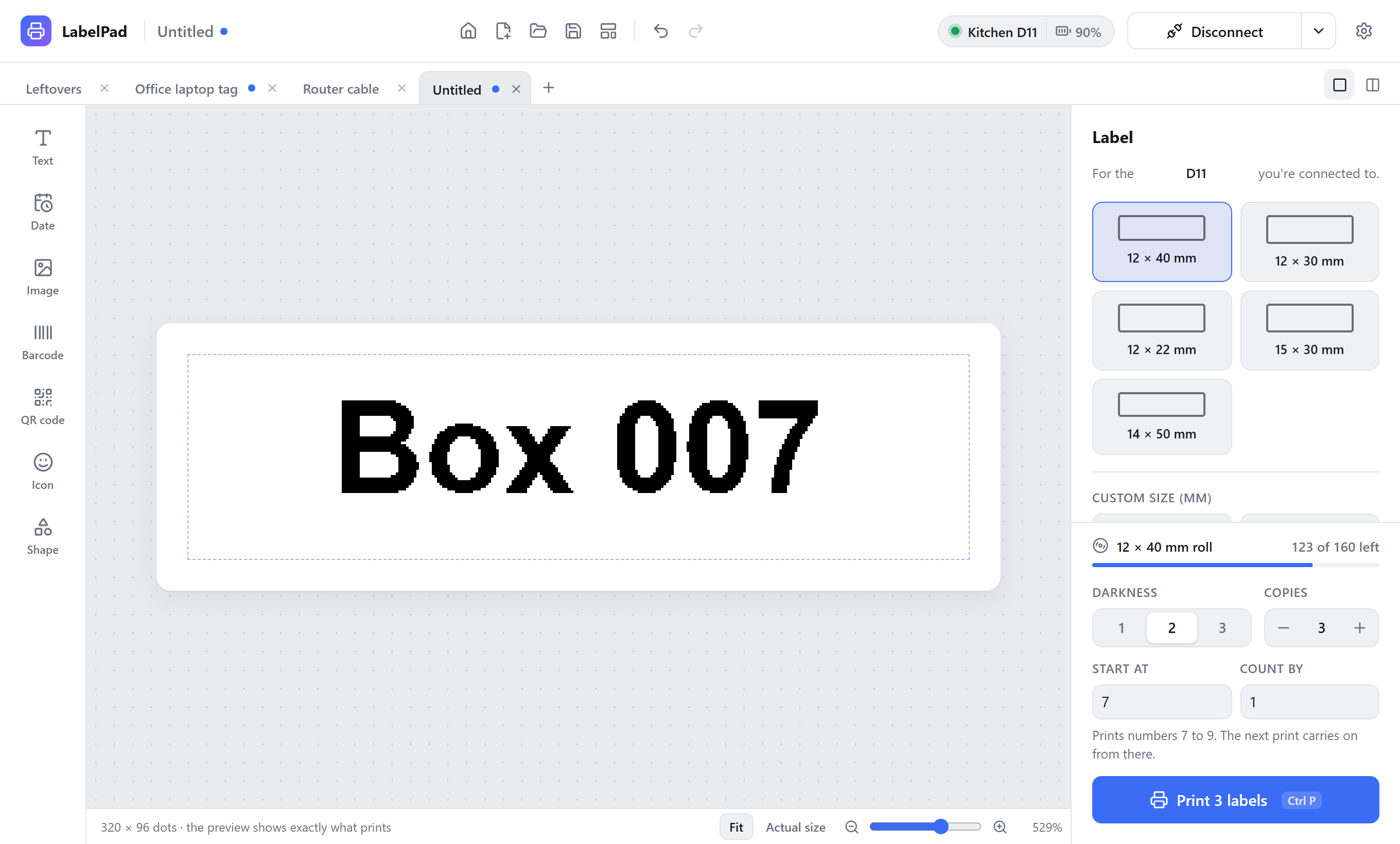
Write Box {count} and print ten. You get Box 1 to Box 10, and the next print carries on from 11.
Templates and files
Start from a built-in template, save your own, and pick up recent labels from the start screen.
Several labels at once
Open labels in tabs, each with its own undo history, or see them all side by side.
Works with AI agents
LabelPad is an MCP server. Ask Claude for a label and watch it appear in the window, ready to print.
Remembers your setup
Your printer, by a name you give it, your label size, zoom and window position are all there next time.
Find the right font, fast
The font browser shows every installed font with your label's own text, so you pick by how it looks, not by name.
- Filter by sans serif, serif, monospace, handwriting or display
- Search by name, or type your own preview text
- Align left, center or right, and top, middle or bottom
Start from something good
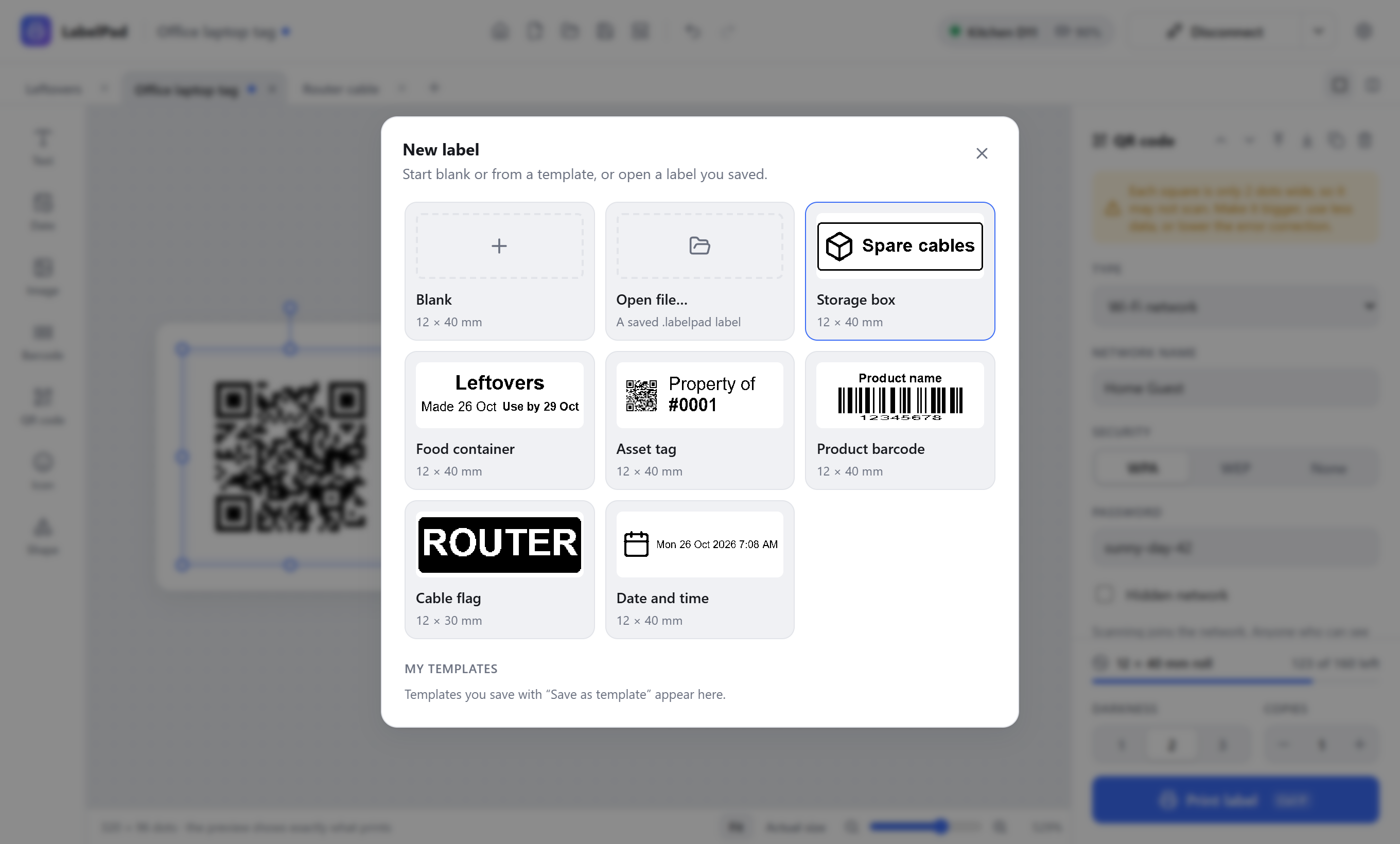
Storage boxes, food containers, asset tags, barcodes, cable flags and dated labels are a click away. Save any label as your own template.
- Built-in templates for common jobs
- Your templates sit right beside them
- Your recent labels are one click away on the start screen
Line things up perfectly
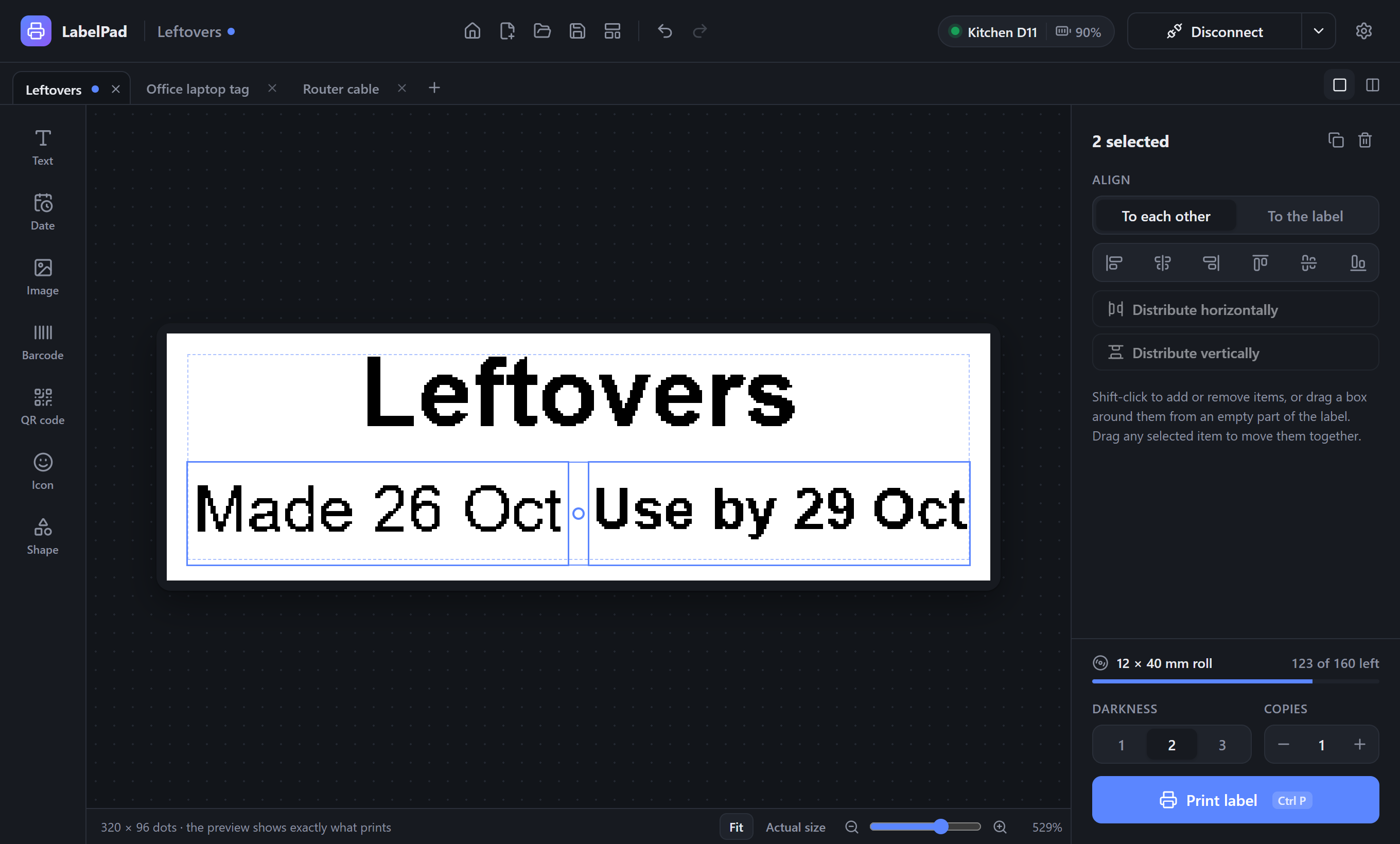
Select several items and align their edges or centers, to each other or to the label. Space three or more evenly with one click.
- Shift-click or drag a box to select
- Snaps to the label's edges, center and other items
- Nudge by a dot, or by a millimetre with Shift
A whole set in one print
Put {count} in text, a barcode or a QR code. Choose where to start and how much to count by, and print as many as you need.
{count:3}pads numbers to 001, 002, 003- The counter is saved with the label
- See how many labels are left on the roll
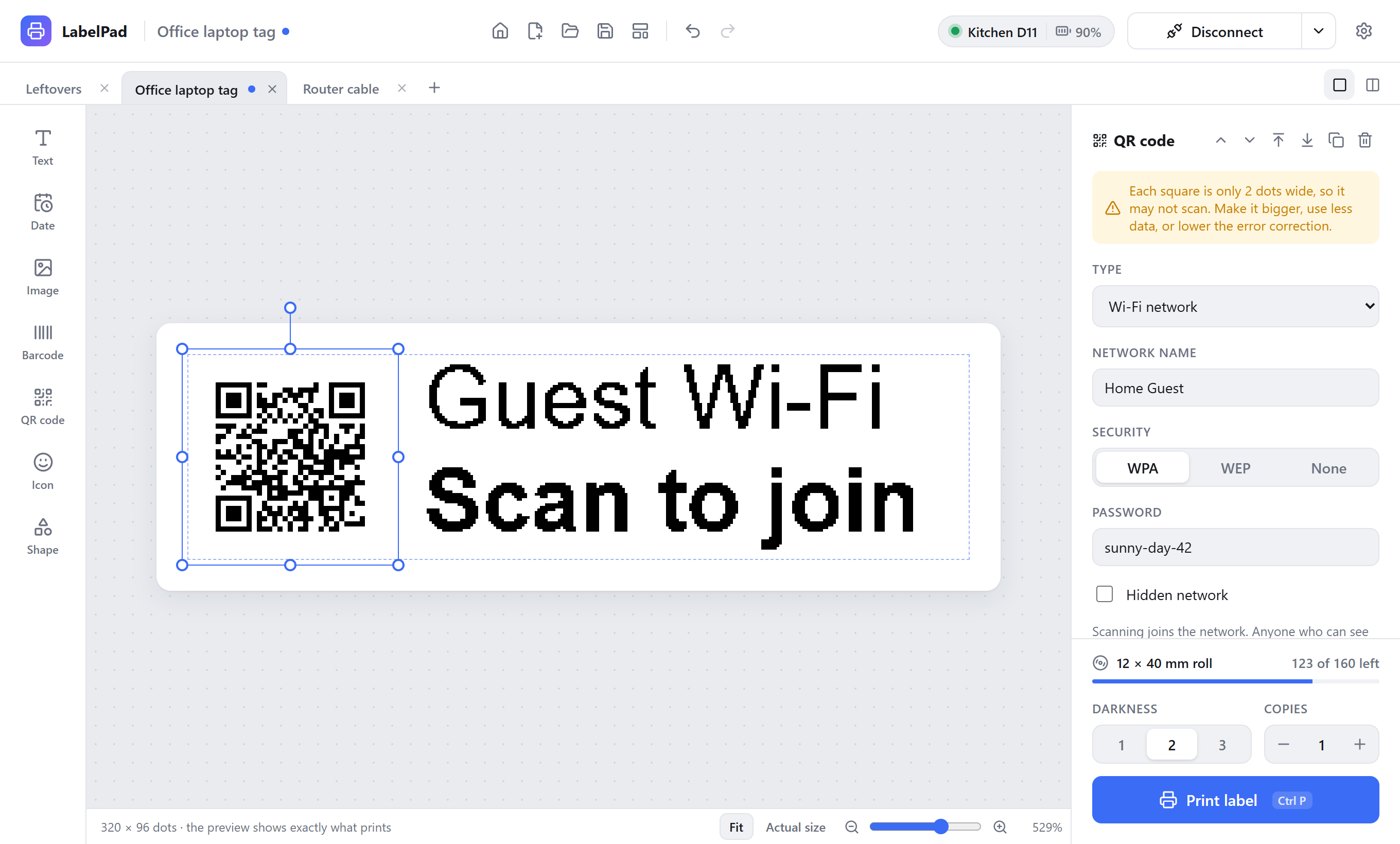
Codes that do something
Pick what a QR code is for and fill in the blanks. LabelPad builds the code phones understand, so a scan joins your Wi-Fi or saves a contact.
- Links, text, email, Wi-Fi, calls, texts, contacts and map locations
- Shows how big each square prints
- Warns you before you print a code too small to scan
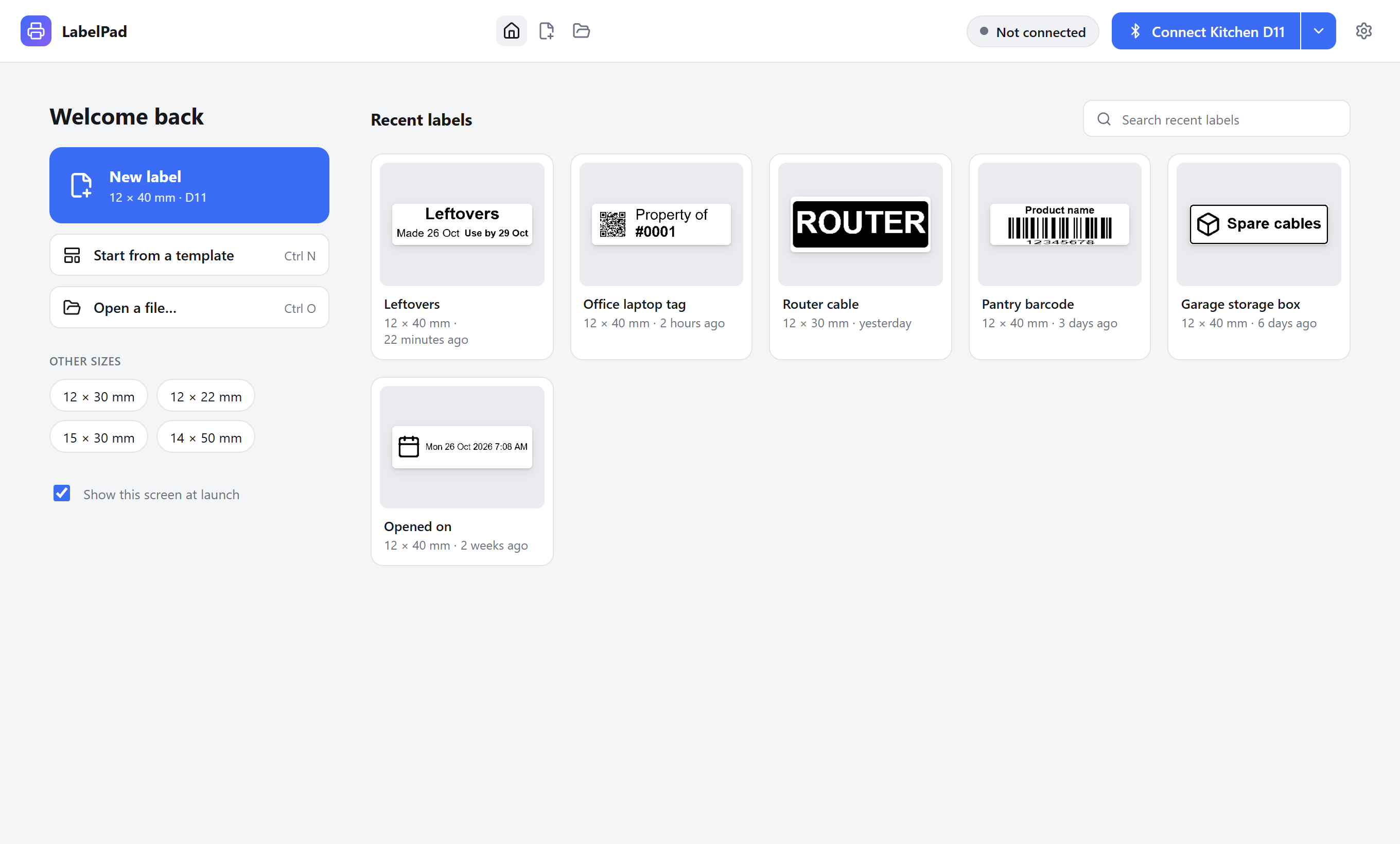
Pick up where you left off
LabelPad opens on your ten most recent labels, with previews, so the label you printed last week is a click away.
- Start a new label in your usual size, or another common one
- Search your recent labels by name
- Labels save to a LabelPad folder in Documents, or one you choose
Get LabelPad
Free for Windows, macOS and Linux.
The apps aren't code-signed yet, so Windows and macOS will ask before the first launch. Here's how to get past that.
Which printers work?
LabelPad is built and tested on the D11 and M3. Other models are recognized, and support for them is on the way.
| Printer | Status | Notes |
|---|---|---|
| D11 | Supported | 12–15 mm labels at 203 dpi. Tested on real hardware. |
| M3 | Supported | Labels up to 72 mm wide at 300 dpi. Tested on real hardware. |
| D110 | Should work | Same print method as the D11, not yet tested. |
| D101, B1, B21, M2 | Planned | Wider labels and a different print method, still to come. |